
Setting up Meta ad auto-call in 20 minutes
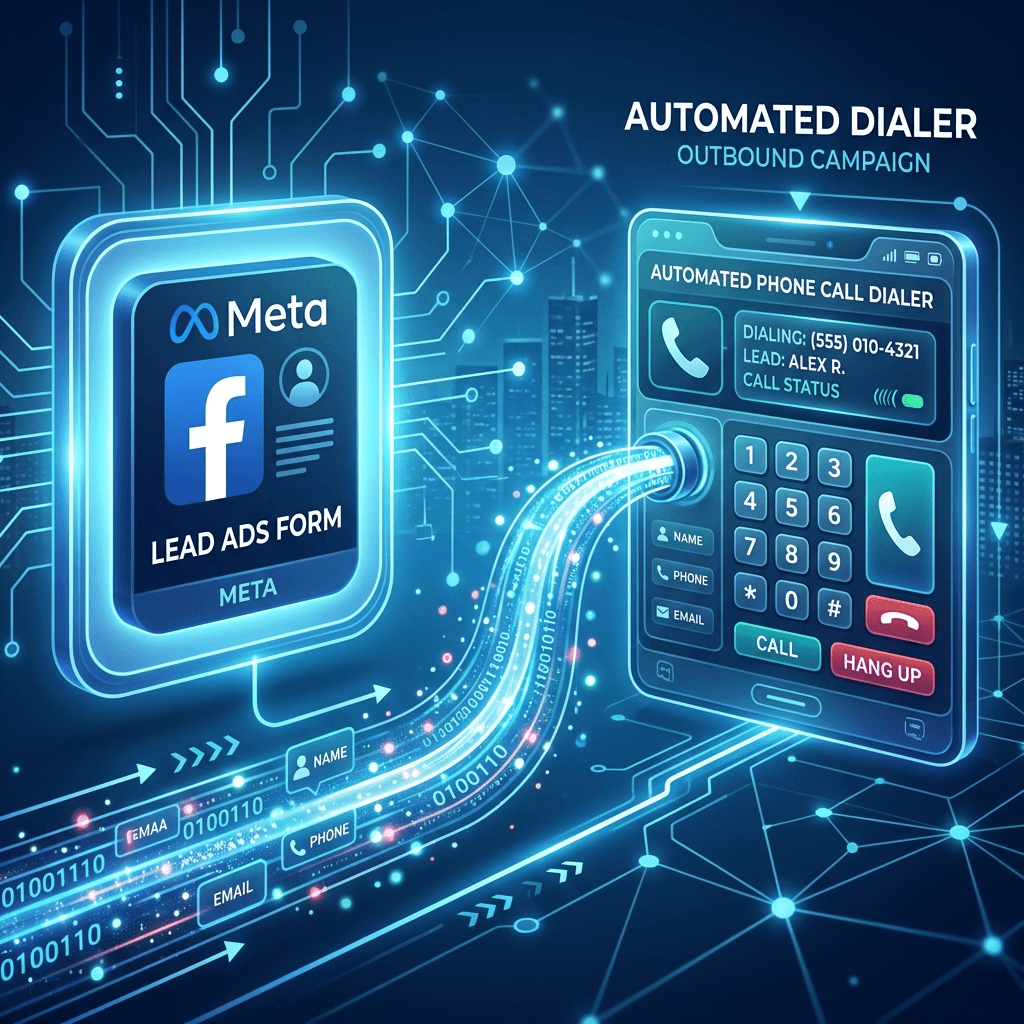
Meta Lead Ads generate a lead the moment someone taps "Submit" on a native Facebook or Instagram form. The problem: most businesses don't find out about that lead until they check their email. By then it's been 45 minutes.
Here's how to close that gap completely using TalkPixie's Meta integration.
What you'll need
- A Meta Business Account with an active Lead Ad campaign
- A TalkPixie account (any plan)
- Admin access to your Facebook Page
Time required: About 20 minutes.
Step 1: Connect your Facebook Page (5 minutes)
In TalkPixie, go to Integrations → Meta Lead Ads. Click "Connect Page" and authenticate with the Facebook account that owns your Page. Grant the requested permissions — TalkPixie needs read access to leads, nothing else.
Once connected, you'll see your Pages listed. Select the Page running your Lead Ad campaigns.
Step 2: Map your Lead Ad form fields (5 minutes)
TalkPixie needs to know which form field contains the lead's phone number. In the integration settings, select your active Lead Ad form from the dropdown and map:
- Phone field → your form's phone number field (usually "Phone Number")
- Name field → your form's name field (optional but recommended for personalized greetings)
Save the mapping. Repeat for each form you want to connect.
Step 3: Configure your AI agent (7 minutes)
Navigate to Agent → Configuration. Set the opening line your agent will use when calling Meta leads. Keep it short and context-aware:
"Hi [Name], this is [Business] — I saw you just filled out our form and wanted to reach out right away. Do you have two minutes to chat?"
Set your qualification questions and the outcome you want (book a call, collect info, transfer to a human). If you want the agent to transfer qualified leads to your sales team, add their number under Transfer Settings.
Step 4: Test with a live submission (3 minutes)
The fastest way to test is to submit your own Lead Ad form with a phone number you control. TalkPixie should call you within 15–30 seconds of submission.
If the call doesn't arrive, check:
1. The Integrations page — confirm the Page shows "Connected"
2. The Leads log — confirm the lead appeared in TalkPixie's system
3. Your agent's active hours settings — make sure it's set to call during the current time
What happens at scale
Once configured, every lead that submits your form gets a call within seconds — automatically, 24/7, with no human intervention required. Leads that qualify get booked directly into your calendar. Leads that don't are logged with qualification notes for your team to review.
The setup is a one-time process. After that, your Meta ads start converting like you have a dedicated SDR sitting next to every form.